

Payments and Transactions
Payment methods accepted on Oshi: Stripe, Depay, OshiPay, and voucher coupons. View transaction history and troubleshoot issues.
Accepted payment methods, transaction processing, and viewing your history.
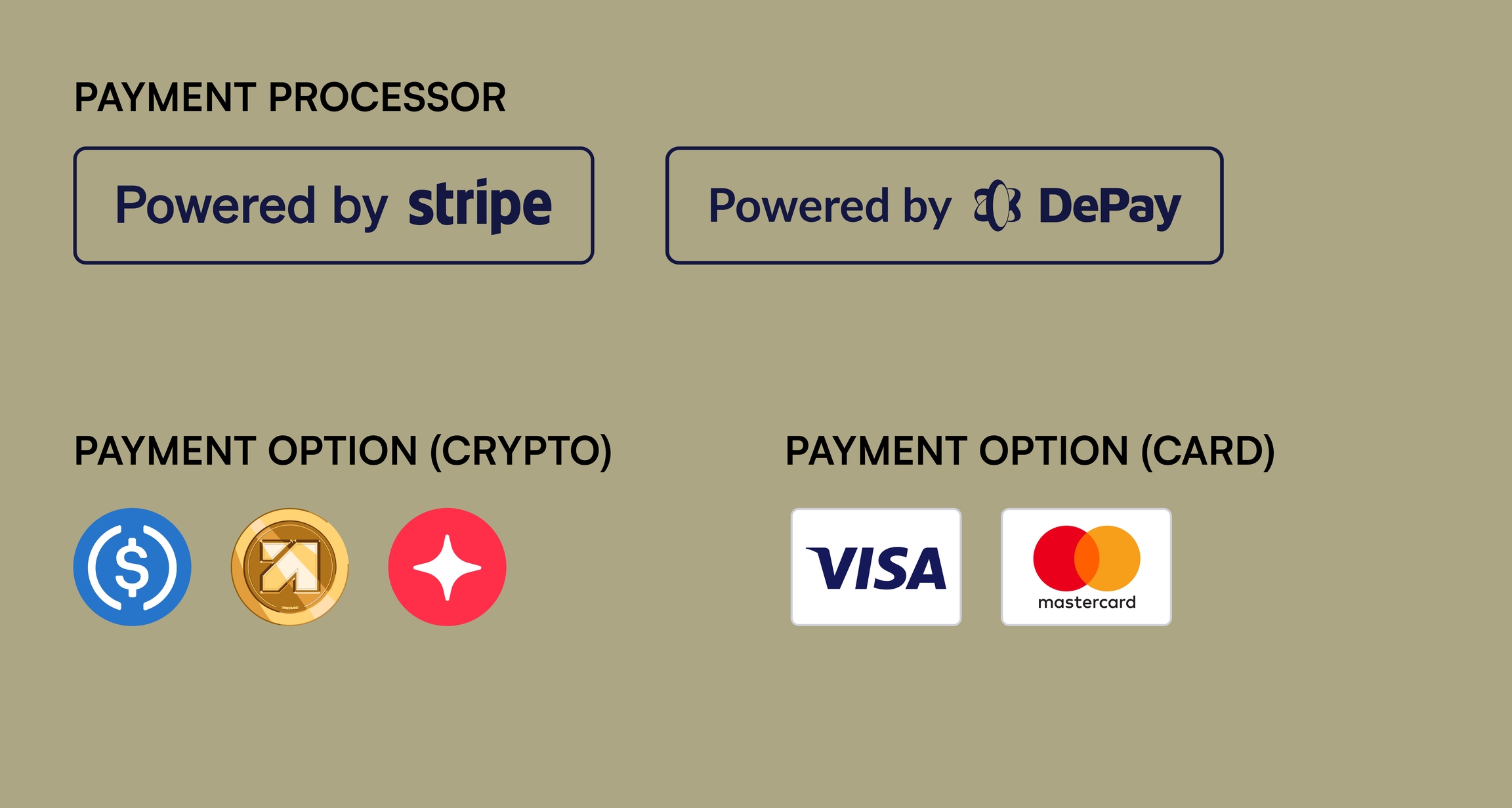
Accepted payment methods
Credit/Debit Cards
Stripe
Visa, Mastercard, Amex, Apple Pay, Google Pay
Crypto
Depay
$ANIME, USDC, ARB (1.5% conversion fee)
Direct USDC
OshiPay
USDC on Solana, Ethereum, Arbitrum (no fees)
Vouchers
Oshi
Redeem for Valor Points (no conversion fee)
The minimum contribution is $5 USD.
Credit/Debit Cards and Digital Wallets (via Stripe)
Pay with any major card, Apple Pay, or Google Pay. All transactions are processed in USD.
Cryptocurrency (via Depay)
Accepted tokens: $ANIME (Arbitrum), USDC (Solana, Ethereum, Arbitrum), ARB (Arbitrum). All crypto is converted to USDC at the time of transaction, with a 1.5% conversion fee applied automatically.
Oshi accepts cryptocurrency strictly as a payment method. We do not airdrop, distribute, or reward users in volatile or non-stable tokens. All contributions are converted to USDC and go directly toward supporting the campaign and its creators. If you've been looking for a reason to put your tokens to work for anime, this is it.
Direct USDC (via OshiPay)
Send USDC directly to Oshi with no conversion and no fees. Available on Solana, Ethereum, and Arbitrum networks.
Voucher Coupons
Voucher codes are distributed through promotions, partnerships, and Discord community events. Each code has a set Valor Point value. To redeem, enter your code during the contribution flow.
Voucher redemptions count toward your rank progression and referral Merit. However, vouchers do not count toward the Live Contribution Tracker milestones on the Leaderboard.
How contributions work
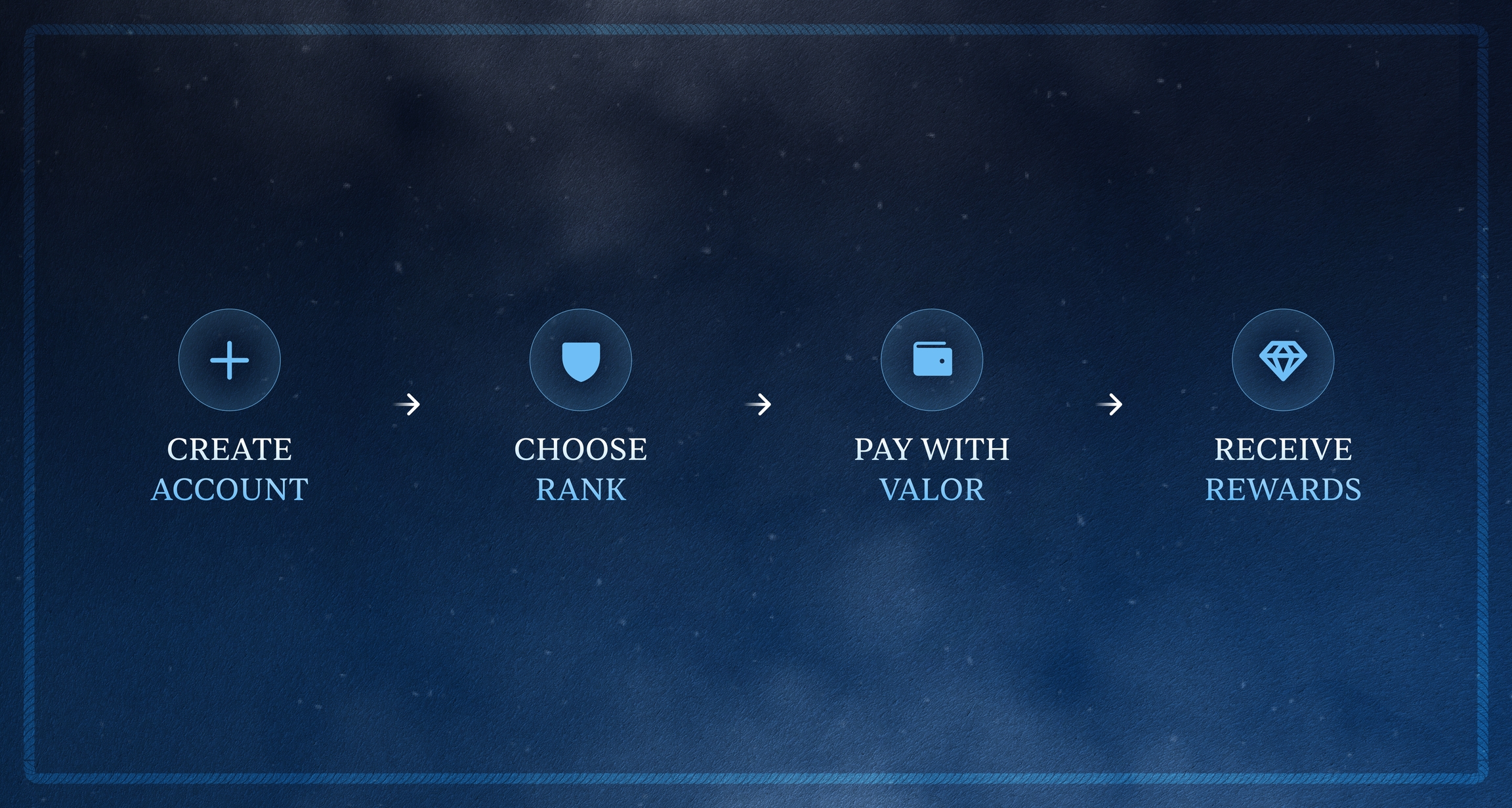
When you contribute, the platform auto-fills the amount needed to reach your selected tier based on your current Valor Points. For example, if you have 500 Valor and want to reach Petty Officer (2,000 Valor), the amount will default to the difference.
You can also enter a custom amount, as long as it meets the $5 minimum.
After your payment is confirmed, you'll see a one-time contribution message prompt. You can write a personal message, use the pre-filled option, or skip it entirely. Your message appears on the campaign's contribution stream. Each account gets one message.
Transaction processing
All Valor Points and rewards update immediately on successful payment. You'll see a real-time status indicator (Processing, Success, or Error) and a confirmation showing your updated rank and points.
📝 Rewards not appearing? Wait 5 minutes, then contact support if they still don't show.
Transaction history
To view your full transaction record:
Click the profile icon (top right)
Select "Transaction History" from the menu
View all transactions with dates and amounts
Currency
All prices are displayed and processed in USD. International cards are accepted.
Regional availability
Oshi is available globally with the following restrictions:
Participation is not available in countries subject to OFAC (Office of Foreign Assets Control) sanctions or other applicable international trade restrictions. This applies to all payment methods.
For the full list of restricted regions and eligibility details, refer to the Terms of Service.
Refund policy
⚠️ All contributions are final and non-refundable.
Contribution disputes: If a contribution is cancelled or disputed, corresponding Valor Points, Merit, and rewards will be removed.
Chargebacks: Handled per card network rules. If a chargeback is successful, Valor Points are revoked and associated ranks and rewards are forfeited.
For complete details, see Refund Policy.
Related articles
Refund Policy: Complete refund and dispute policy
Getting Started: Step-by-step contribution guide
Reporting Issues or Bugs: How to report payment problems
Need help? [email protected] · Discord
役に立ちましたか?